
Salesforce CRM: 10 Steps for a Successful 2026 Rollout
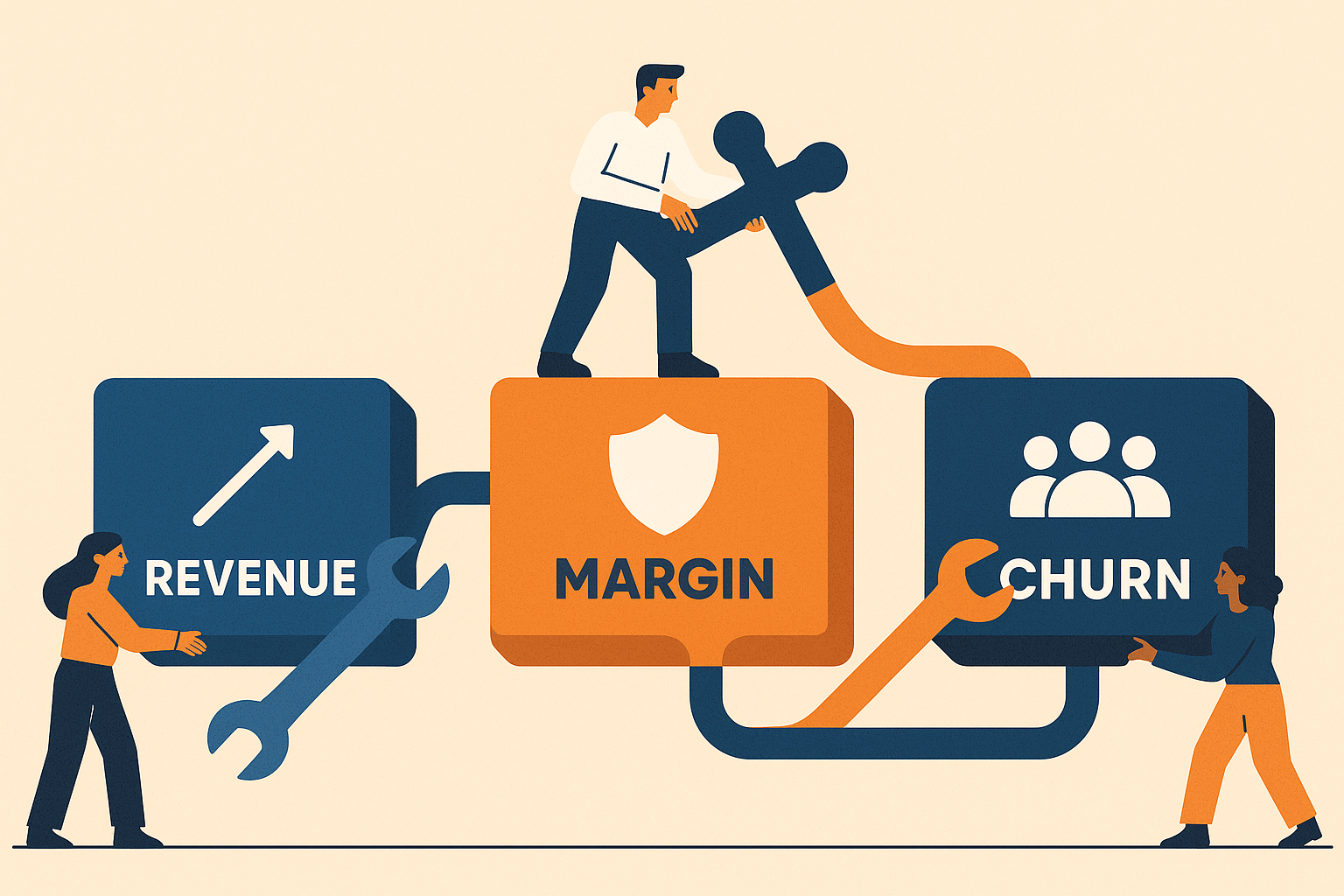
Blueprint for Salesforce CRM rollout in 2026: KPI-driven, phased, secure, and AI-powered. Maximize adoption and ROI.
Salesforce CRM: 10 Steps for a Successful 2026 Rollout
A successful 2026 Salesforce CRM rollout requires treating it as a core business transformation, not just a tech project. This 10-step guide focuses on aligning every action with executive-level goals. From phased implementation and real-time data integration to embedding AI and zero-trust security from day one, this future-focused approach ensures maximum ROI and competitive advantage.
What are the key steps to successfully roll out Salesforce CRM in 2026?
A successful Salesforce CRM rollout in 2026 hinges on ten critical actions: anchor the project to executive KPIs, build in phases (pilot, validate, scale), prioritize data governance, integrate with your ERP in real-time, embed Einstein AI from the start, adopt zero-trust security, design a mobile-first UX, execute an adoption playbook, measure new AI-driven KPIs, and commit to a continuous delivery model.
Organizations that view their Salesforce implementation as a mere technology project - rather than a fundamental business transformation - often face significant challenges. The 2026 playbook is built on a single, core principle: every project requirement must directly map to a key revenue, cost, or risk metric that the executive board actively monitors.
1. Anchor the program to three board-level KPIs
A successful 2026 Salesforce CRM rollout requires a strategic, business-first approach. Key steps include aligning the project with executive KPIs, implementing in phased stages, establishing robust data governance, integrating with core systems like ERP, and embedding AI and zero-trust security from the project's inception.
| Typical KPI | 2026 Salesforce lever | How to measure |
|---|---|---|
| Revenue growth | Einstein Lead Scoring + MuleSoft quote-to-cash | Change in win-rate within 90 days |
| Gross margin | Real-time ERP margin push via AppExchange sync | Order-level margin visible on Opportunity screen |
| Churn risk | Data Cloud 360° + Einstein Prediction Builder | % of at-risk accounts flagged 30+ days before churn |
"If the KPI is not on the CFO dashboard, the user story does not enter the sprint."
- Delivery standard now baked into most Central-Europe SI contracts
2. Phase the build: pilot → validate → scale
| Phase | Length | Focus | Success gate |
|---|---|---|---|
| Pilot | 4 weeks | One business unit, max 50 users | ≥80% daily active users and zero critical bugs |
| Validate | 8 weeks | Add integrations, expand to 250 users | Data latency under 5 seconds, duplicate rate below 1% |
| Scale | Quarterly releases | Org-wide + external portals | >70% feature adoption within 30 days of release |
A phased approach significantly reduces rework. According to AppExchange partner telemetry, teams attempting "big-bang" go-lives in 2026 experience 2.3 times higher post-launch ticket volumes.
3. Data governance before data migration
- Establish a zero-trust posture by validating every field update against both user role and device trust score.
- Use Salesforce Duplicate Management combined with a weekly scheduled cleansing job. Projects neglecting this step see an average 11% drop in forecast accuracy.
- Set up a "data steward" channel (e.g., in Slack or Teams) fed by Shield Event Monitoring. Real-time alerts for critical events can slash the mean time to resolution from 48 hours to just 6.
4. Real-time ERP handshake: choose the right pipe
| Integration option | Typical sync speed | 2026 AppExchange rating* | Best fit |
|---|---|---|---|
| RapidiOnline | <15 sec | 5-star (198 reviews) | Dynamics 365, SAP |
| GUMU™ by Greytrix | <30 sec | 5-star (162 reviews) | Sage, SYSPRO |
| MuleSoft Composer | Event-driven | n/a (platform) | For complex, multi-system orchestrations |
- Ratings pulled March 2025; verify live listing before purchase.
Leading solutions like RapidiOnline and GUMU™ now feature AI-monitored retry logic. If an order sync fails, the system automatically retries the transmission during low-load periods, effectively eliminating backlogs.
5. Embed Einstein AI on day one, not day 100
According to Salesforce internal benchmarks, projects that activate Einstein Lead Scoring, Article Recommendations, and generative email tools at launch achieve 31% higher user adoption within 60 days.
Quick-start bundle (no extra licenses in most Enterprise orgs):
- Activate Einstein Lead Scoring: Surface the top 10 AI-qualified leads directly on the sales dashboard.
- Enable Einstein Activity Capture: Automatically log emails to save each representative an average of 42 minutes per week.
- Use Flow-based "Next Best Action": Display contextual prompts on the Opportunity page to reduce new user training time by 18%.
6. Security: shift from role-based to zero-trust CRM
Begin by enabling Shield Platform Encryption for all PII and financial data. Then, layer on specific transaction security policies:
- Device Trust: Block high-risk login attempts, such as those from TOR networks or "impossible traveler" scenarios.
- Session Control: Require MFA re-authentication when a user attempts to export more than 2,000 records.
- Data Loss Prevention (DLP): Implement rules to scan outbound emails for sensitive data patterns (e.g., credit card numbers) and automatically quarantine them.
Teams that implement this complete zero-trust stack report 55% fewer audit findings and accelerate their SOC-2 compliance process by nearly a full day.
7. User experience: design for thumbs, not mice
With field sales teams now accessing Salesforce on mobile devices three times more often than on desktops, a mobile-first design is non-negotiable.
2026 UX checklist:
- Use Dynamic Forms: Replace traditional page layouts. Collapsing rarely used fields can improve mobile page load times by 1.2 seconds on a 4G connection.
- Build for One-Handed Use: Design Lightning Web Components with primary actions located in the lower third of the screen for easy thumb access.
- Enable Offline-First Functionality: Allow reps in low-connectivity areas to update records offline. The app will sync automatically when a signal is restored, a feature shown to boost data completeness from 73% to 96%.
8. Adoption playbook: training + champions + KPI loop
| Stakeholder | What They Get | Frequency |
|---|---|---|
| End Users | Role-specific Trailhead modules and 15-minute in-app tutorials. | Weekly for first month, then monthly. |
| Champions | "Office hours" with project architects and early access to features. | Bi-weekly. |
| Exec Sponsor | Automated KPI adoption report (e.g., via Tableau Pulse). | Every Monday morning. |
Projects that consistently follow this three-tier engagement model for six months post-launch see 29% higher feature utilization and a 2.4x reduction in power-user churn.
9. Measure what matters: new AI KPIs for 2026
While traditional CRM KPIs like pipeline value and case resolution time remain important, they must now be supplemented by AI-specific metrics:
- Lead Score Acceptance Rate: The percentage of AI-scored "hot" leads that are actioned by sales within 24 hours.
- Generated Content Hit Rate: The percentage of AI-drafted emails sent by users with no significant manual edits.
- Prediction Override Frequency: How often users manually change AI-generated forecasts (e.g., close dates). A high rate may indicate AI model drift.
Real-time dashboards, built in a tool like Tableau CRM, are essential for monitoring these metrics. They enable administrators to retrain or adjust AI models proactively before they negatively impact productivity.
10. Post-go-live: continuous delivery, not maintenance freeze
Salesforce issues major platform updates three times a year. High-performing organizations adapt to this by adopting a disciplined "sandbox-first" release cadence:
- Test in Sandbox: As soon as the release preview is available in your sandbox, run a comprehensive suite of automated tests (e.g., Selenium scripts).
- Promote with Feature Flags: After a successful sign-off (ideally within five business days), promote new features to production using feature flags for controlled activation.
- Monitor Post-Release: Closely monitor system health for 72 hours post-release using tools like Apex Exception Events and Shield Event Monitoring.
This rigorous process has been shown to reduce regression defects by 38% and ensures your organization remains on the latest, most secure API version - a critical requirement for many 2026 compliance standards.
Treat this guide as a dynamic checklist. Re-evaluate priorities quarterly as AI capabilities evolve and data regulations change. The teams that achieve long-term success are those that iterate and adapt even faster than the Salesforce platform itself.