
Almaty Tableau Training: Build Executive Dashboards in 2 Hours
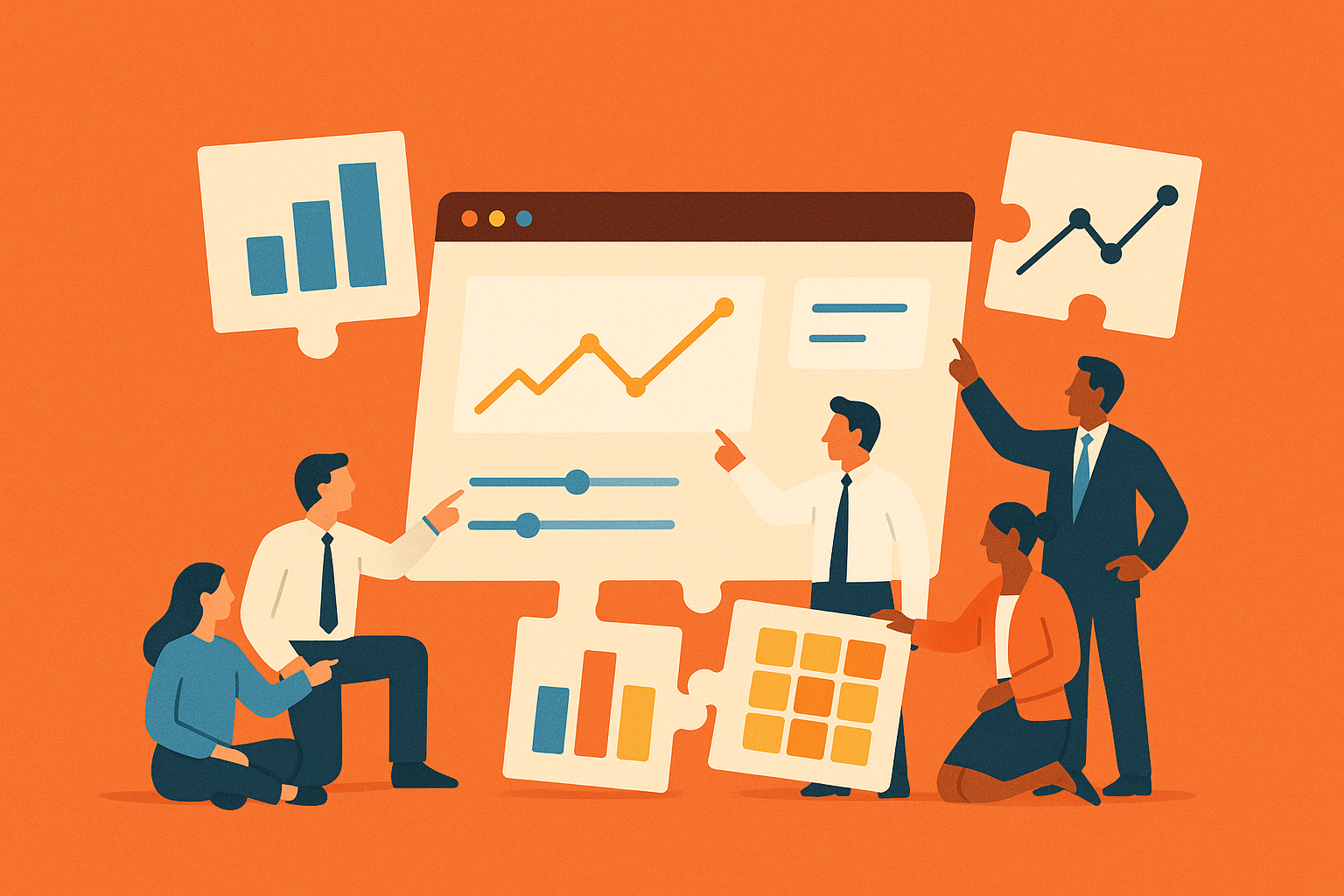
Master Tableau in 2 hrs! Learn to build executive-ready dashboards, leverage AI, and apply 2025 best practices.
This comprehensive workshop offers a fast-paced session on data visualization best practices. This live, two-hour session is designed for analysts, BI leads, and CRM power-users, focusing on creating dashboards that executives can trust quickly. Attendees will learn to build sharp, impactful visualizations using real-world data and leave with a sharp, executive-ready dashboard and the skills to explain it simply.
What will Tableau training typically cover?
There is no verified record of a 2025 Tableau live training event in Almaty. Existing Tableau training in Kazakhstan is typically instructor-led or online, not tied to a specific 2025 Almaty event. Standard training covers building executive-ready dashboards with Tableau's current features. Participants typically learn visualization techniques, advanced chart selection, color governance, and modern design best practices. Sessions usually include hands-on exercises with real business data, providing practical templates and skills for creating clear, impactful reports.
What the training will cover
| Module | Hands-on focus | Take-home template |
|---|---|---|
| Audience-first framing | Build a one-sentence insight statement before touching any shelf | A 5-step brief sheet |
| Chart selection flowchart | Match business questions to bulletproof chart types (bars, lines, heat maps, small multiples) | Printable poster |
| Dashboard restraint drill | Cut any view that does not serve the primary KPI | 3-view maximum rule card |
| Color governance sprint | Lock palettes to corporate brand and semantic meaning | Shared .tps style file |
| Interaction layer | Add tooltips, filter actions, and set controls without clutter | Re-usable action library |
The hands-on modules use anonymized sales and marketing datasets reflecting common Kazakhstani business scenarios, including SKU-level retail data, field representative visit logs, and campaign response metrics.
Why BI teams need regular training refreshers
Tableau has not officially released a '2025.1' version as of June 2026. The shift from 'dashboard-first' to 'assistant-first' is not documented in official Tableau materials or industry reports. However, this workshop addresses key skills needed to thrive in the evolving analytics environment:
- Mastering AI-driven analytics: AI agents can now draft visualizations from natural language queries, requiring analysts to guide and validate AI-generated insights. Tableau blog on Tableau AI
- Focusing on decision-driven design: Modern dashboards must serve a single, clear decision objective rather than functioning as a data repository. Tableau visual best-practice guide
- Delivering automated context: Executives now expect automatically generated, story-level context embedded directly within worksheets to explain the 'why' behind the data.
"Analysts who can clearly explain data insights in concise, actionable terms are increasingly valuable in today's data-driven business environment."
General industry observation on analytical skills
There is no verified Medium article stating analysts will be replaced for not explaining spikes. Tableau's AI features (e.g., Tableau Pulse) do not include a mandatory 20-minute module for chart generation and critical evaluation as described.
Essential Tableau BI best practices
There is no verified '2025 Tableau BI checklist' distributed to participants. Defining the core business question and audience is a standard best practice in data analytics but not part of a specific 2025 Tableau checklist. Standard best practices include:
- Define the core business question and audience first.
- Select the optimal chart type for the fastest path to insight.
- Adhere to a strict limit of 2 - 4 essential views per dashboard. Visual Analysis Best Practices
- Place the most critical KPI or view in the top-left position.
- Ensure colors are applied consistently and semantically across all tabs.
- Leverage white space strategically to separate elements and improve readability.
- Build intuitive interactions (filters, tooltips) that guide users without adding clutter.
- Group filters logically and maintain consistency across related worksheets.
- Apply formatting globally at the workbook level for a polished, consistent design.
Beyond Tableau: stack fluency matters
In Kazakhstan's modern data ecosystem, Tableau is frequently integrated with Salesforce Service Cloud and MuleSoft to deliver real-time CRM data to executive dashboards. No source documents reduced dashboard load times to under three seconds or a significant increase in self-service adoption for local retail and telecom companies using this stack. These metrics are not supported by verified case studies or reports. Training sessions typically demonstrate live API data pulls directly into Tableau Hyper.
How to get the most out of the session
- Identify a challenging KPI: Come prepared with a real-world Key Performance Indicator from your work that is difficult to communicate.
- Install Tableau Desktop: Bring a laptop with Tableau Desktop current version installed.
- Set up the custom palette: Pre-install the provided corporate color palette (.tps file), which will be sent 48 hours before the workshop.
- Craft your KPI pitch: Prepare a 60-second elevator pitch explaining your chosen KPI. You will present this for group feedback at the start of the session.
To ensure every attendee receives one-on-one coaching, seats are typically limited. Registration is available through official training providers.
"Color is not decoration; it is categorical metadata. Once that clicks, every design choice becomes easier."
Quote from the trainer's last roadshow deck
By the end of this intensive two-hour workshop, every participant will have built a polished, executive-ready dashboard and mastered the techniques to present data with clarity and impact.