
9 Steps to Successful Salesforce Revenue Cloud Projects (2025)
Alexander Shlimakov specializes in Salesforce, Tableau, Mulesoft, and Slack consulting for enterprise clients across the CIS region. With a proven track record in technical sales leadership and a results-oriented approach, he focuses on the financial services, high-tech, and pharma/CPG segments. Known for his out-of-the-box thinking and strong presentation skills, he brings extensive experience in solution sales and business development.

Master Revenue Cloud projects: from discovery to go-live. Learn how to accelerate UAT, optimize data, and ensure performance.
9 Steps to Successful Salesforce Revenue Cloud Projects (2025)
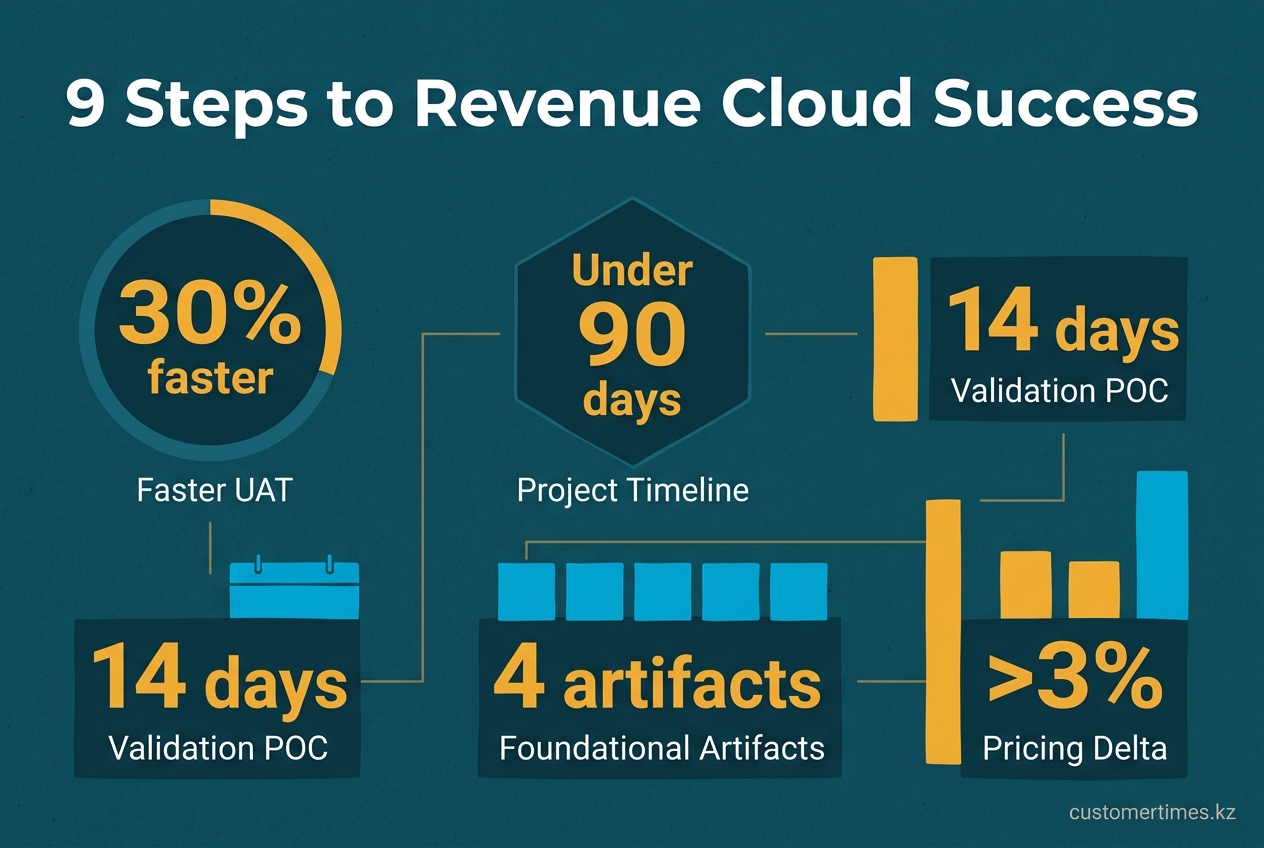
Successful Salesforce Revenue Cloud projects in 2025 hinge on meticulous modeling during the first six weeks. Expert partners consistently find that teams who blueprint their complete product matrix before entering Salesforce achieve UAT 30% faster. In contrast, those who start configuring on day one often face months of rework untangling price rules. This guide outlines the 9-step sequence used to deliver complex, multi-cloud projects in under 90 days.
What are the critical steps for a successful Revenue Cloud implementation in 2025?
A successful implementation requires translating business logic into clear artifacts before system configuration. This involves building an API-first data architecture, adopting flat product models to reduce complexity, writing maintainable rules, and establishing performance benchmarks early. A phased rollout guided by a proof-of-concept ensures value delivery.
A successful Revenue Cloud project in 2025 depends on these nine critical steps:
1. Translate commercial models into four foundational artifacts.
2. Create an API-first data architecture from the start.
3. Begin with flat product models to minimize complexity.
4. Implement a modern, data-driven pricing engine.
5. Write clear, maintainable configuration rules.
6. Establish strict performance guardrails.
7. Design robust integration touch-points.
8. Validate the design with a 14-day proof-of-concept.
9. Develop a phased, stakeholder-focused rollout roadmap.
Following this sequence significantly reduces project timelines and prevents costly rework.
1. Discovery - translate commercial chaos into four artifacts
The discovery phase translates complex commercial requirements into four foundational artifacts. This initial planning is the bedrock of the entire project.
-
Revenue model map
Document every revenue stream: one-time sales SKUs, subscriptions (fixed, tiered, ramped), and usage-based models (metered, overage). Tag each with its revenue recognition trigger (e.g., ship date, contract signature) to determine if a SKU belongs in CPQ, Billing, or both. -
Product heat matrix
Create a spreadsheet mapping products to configuration drivers like region, channel, customer tier, or volume. Color-code cells where combinations create a price delta over 3%. Any factor appearing in more than three columns is a candidate for a primary pricing rule. -
System-of-truth matrix
Define the single, authoritative source for every data element: ERP for costs and GL codes, CRM for accounts, or an external PIM for product specs. This practice prevents data conflicts, such as CPQ quoting a product that is unknown to the invoicing engine. -
KPI glossary
Define 5-7 key performance indicators (KPIs) to measure success. Examples include:- Quote-line accuracy ≥ 99.2%
- Nested-bundle approval time ≤ 45 min
- Billing dispute rate ≤ 0.8% of revenue
- Month-close recon variance ≤ $500
- Sales rep NPS ≥ 55
Store these in a
Rollout_KPI__ccustom object and display them in an admin console so every test script can reference the target value.
2. Data design - create an API-first skeleton
Because Revenue Cloud is native Salesforce metadata, an API-first approach is essential. Expose every new custom object via the REST API from day one. This practice enforces data governance by locking in field names, picklist values, and external IDs before downstream integrations proliferate.
| Object | External ID naming rule | Typical lookup from ERP |
|---|---|---|
Product_Usage_Rule__c |
UR-{ERP_Product_Group}-{Region} |
Product_Group__c |
Discount_Matrix__c |
DM-{Price_List_Version}-{Channel_Code} |
Price_List_ID__c |
Revenue_Recognition__c |
RR-{Order_ID}-{Line_Number} |
Order_Line_ID__c |
Establish bidirectional data flows (e.g., via MuleSoft) for nightly replication. For urgent updates, like price changes that must reach quoting within five minutes, use the Streaming API. Enable Change Data Capture on critical objects like PricebookEntry and ContractLineItem to allow downstream systems to subscribe to changes instead of inefficiently polling for them.
3. Product modeling - start flat, stay flat
Revenue Cloud supports up to eight levels of nested bundles, but each level increases testing complexity by a factor of roughly 1.8x. Flatten the product model wherever possible:
- Use a single "Options" feature with a constraint rule for accessories instead of a sub-bundle.
- Employ dynamic price matrices for variants like color, size, or language packs instead of creating separate products.
- Model usage tiers as price schedule rows, not separate SKUs, to simplify billing data.
For truly necessary nesting (e.g., a network router with line cards and SFPs), store the hierarchy in a custom object like Router_BOM__c and reference it from Apex selectors. This approach keeps the CPQ interface responsive and allows for isolated unit testing of the roll-up logic.
4. Pricing engine - separate signal from noise
Use historical sales data to identify which product families are ready for AI-driven pricing. Run an analysis to find products with low deal volume or high discount variance.
SELECT
 product_family,
 COUNT(*) deals,
 AVG(discount_percent) avg_disc,
 STDDEV(discount_percent) std_disc
FROM sales_order_fact
WHERE closed_date >= LAST_N_MONTHS(12)
GROUP BY product_family
HAVING COUNT(*) < 30 OR STDDEV(discount_percent) > 15
Exclude families with fewer than 30 deals or a standard deviation over 15% from AI pricing models. Feeding unpredictable data into the engine will generate nonsensical suggestions and erode sales rep trust.
For edge cases that AI cannot handle, such as a freight surcharge that changes hourly, extend the pricing engine with a custom Apex class that implements the IPricingCalculator interface. Ensure the class is stateless and executes under 200 ms of CPU time to prevent UI lag.
"Testing quote accuracy across nested bundles is critical to avoid billing disputes."
Implement an automated test factory that generates quotes with 2, 20, and 200 lines. Assert that the final invoice total matches the expected list price less all valid discounts and taxes. Running this suite on every pull request can save approximately 20 person-hours of manual debugging for each regression caught.
5. Configuration rules - write for the next admin
Use the modern Constraint Template syntax instead of legacy Price Rules whenever feasible. Templates render logic in plain English within the Setup UI, which can reduce onboarding time for new administrators by up to 50%.
Example:
Template: "Router 9K requires at least 2 Power Supplies when Region equals EMEA or LATAM"
This single template replaces four separate, more complex price rules.
Store picklist values that drive rule logic (e.g., region, segment, channel) in a Custom Metadata Type. This allows them to be deployed across sandboxes as metadata, eliminating the need for manual data imports.
6. Performance guard-rails - keep the 5-second barrier
Revenue Cloud calculates prices synchronously, which can slow down large quotes. To maintain performance, enable "Calculate Prices Asynchronously" when total quote lines exceed a set threshold, typically around 500, and use a batch size of 50.
Benchmark performance using worst-case scenarios, such as a user on a laptop connected via a slow VPN. Aim for a Time-to-Interactive (TTI) of under 3 seconds. Create a custom setting like Max_Lines_Before_Async__c (default: 400) to allow administrators to adjust this threshold without a code deployment.
7. Integration touch-points - handshake once, handshake right
Define clear contracts for each system integration, including technology, frequency, and ownership KPIs.
| System | Direction | API tech | Frequency | Owner KPI |
|---|---|---|---|---|
| ERP | Bi-dir | OData via MuleSoft | 5 min | GL posting = 0 unmatched after 24h |
| Tax engine | Outbound | REST callout | Real-time | Tax variance ≤ $0.01 per quote |
| Usage feed | Inbound | Bulk API 2.0 | Hourly | Unbilled usage ≤ 0.2% of monthly total |
| Payment gateway | Outbound | Webhook | Event | Failed auto-pay ≤ 1.5% of transactions |
Create a central LWC "Integration Health" dashboard that polls a custom Integration_Log__c object. The dashboard should flag any KPI that exceeds its defined limit for three consecutive polling cycles, enabling proactive error handling.
8. Proof-of-concept script - demonstrate value in 14 days
Validate the core design and demonstrate business value with a tightly scoped, 14-day proof-of-concept (POC).
Week 1
- Deploy a scratch org with five flagship products, one bundle, and one discount matrix.
- Load 100 historical opportunities to seed the Einstein pricing engine.
- Create a 15-line quote and export the PDF. Compare it side-by-side with a legacy quote to highlight time savings.
Week 2
- Add one usage-based product and ingest 5,000 usage records via the Bulk API.
- Generate a sample invoice, post it to a mock ERP endpoint, and show a reconciliation report with zero variance.
- Run a mock audit, producing a clear change log, approval trail, and price-lock timestamp for a sample quote.
If the POC cannot meet the targets from the KPI glossary in a pristine scratch org, do not promote the configuration. This indicates that the data model or rule logic requires further refinement.
9. Roll-out roadmap - slice by stakeholder pain
Structure the rollout in phases, prioritizing the most significant pain points for each stakeholder group.
| Phase | Scope | Go-live | Success metric |
|---|---|---|---|
| 0 | Sandbox preview for sales ops | Week 0 | 90% of quotes created without Jira tickets |
| 1 | Inside sales, single geo | Month 2 | Median quote-to-order ≤ 4h |
| 2 | Field sales, multi-currency | Month 4 | Forecast accuracy +8 pp vs baseline |
| 3 | Channel partners, self-service | Month 6 | Partner-created quotes ≥ 30% of total |
Before building custom solutions, consult the official product configurator overview to ensure each planned feature is not already covered by standard functionality.
"Revenue Cloud can be extended with Apex or external rule engines for edge-case configurator logic."
When extending the platform, keep the integration point narrow: define one global interface, one call-out class, and one custom metadata flag to toggle the extension. Future administrators will be grateful when they can swap out the custom engine without rewriting core quoting logic.
By following this 9-step sequence, teams can master complex Revenue Cloud projects, delivering accurate quotes and clean invoices faster than ever imagined - without the need for late-night war-room calls.